Block distracting apps. Physically.
Shift is a puck for your desk. Tap your phone to it and the apps you chose lock. To unlock, you walk back and tap again.
Get Shift — 199 zł5.0 ★
App Store rating
2h 13m
Saved per day, measured
2 years
Hardware warranty
Warsaw
Designed and shipped from
The physical device that puts you back in control.
Tap to disconnect and take back your time. No overrides, no workarounds, no "just five more minutes." Uninterrupted hours until you're ready to reconnect.
Get ShiftHow it works
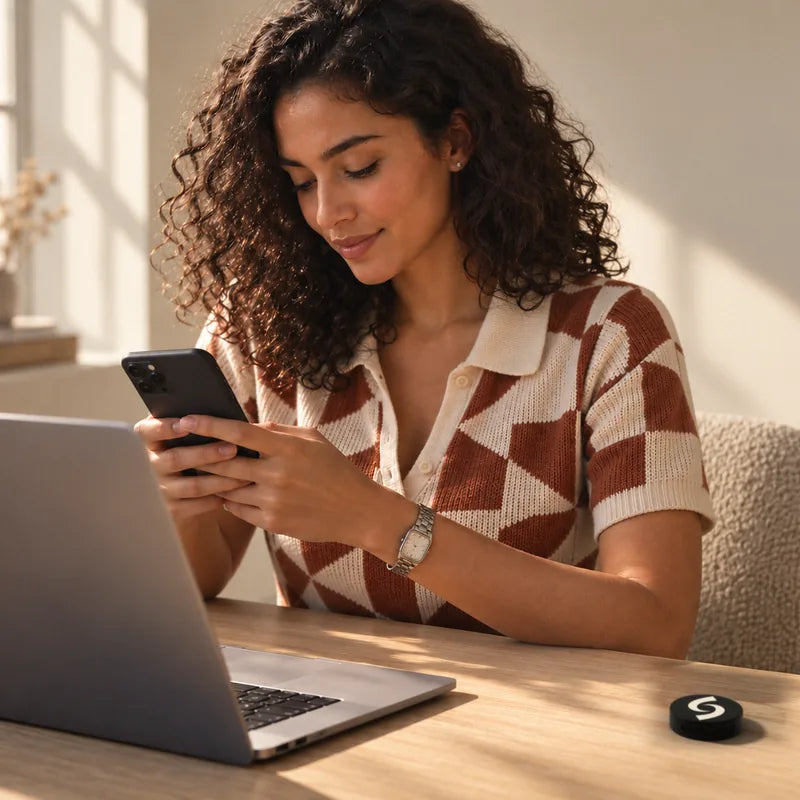
1. Choose apps
Select the apps you want to lock and set up your modes in the free Shift app.
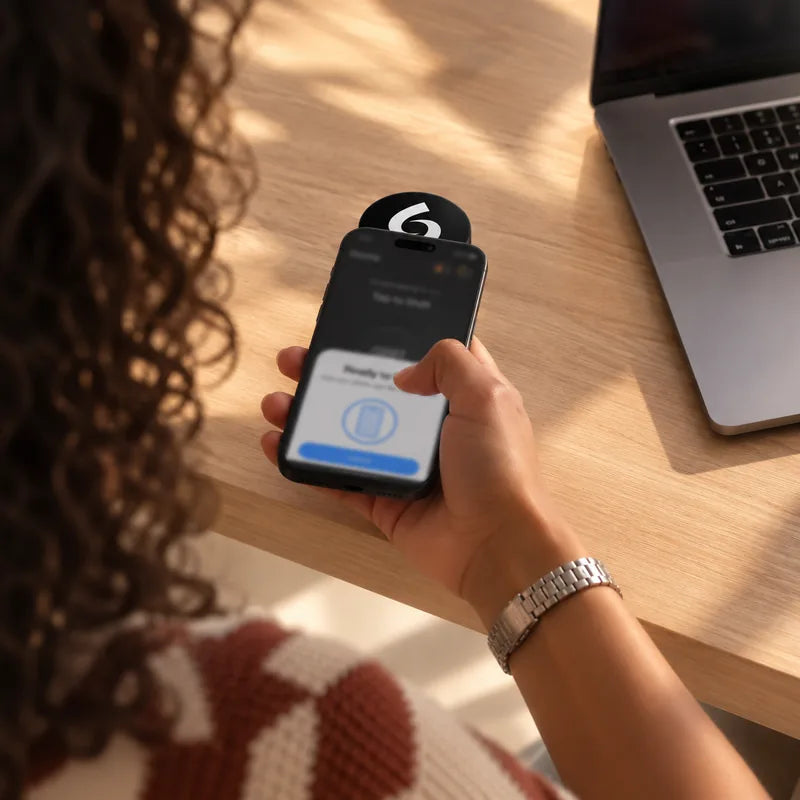
2. Tap Shift
Start a session by tapping your phone against the puck. That's the whole gesture.
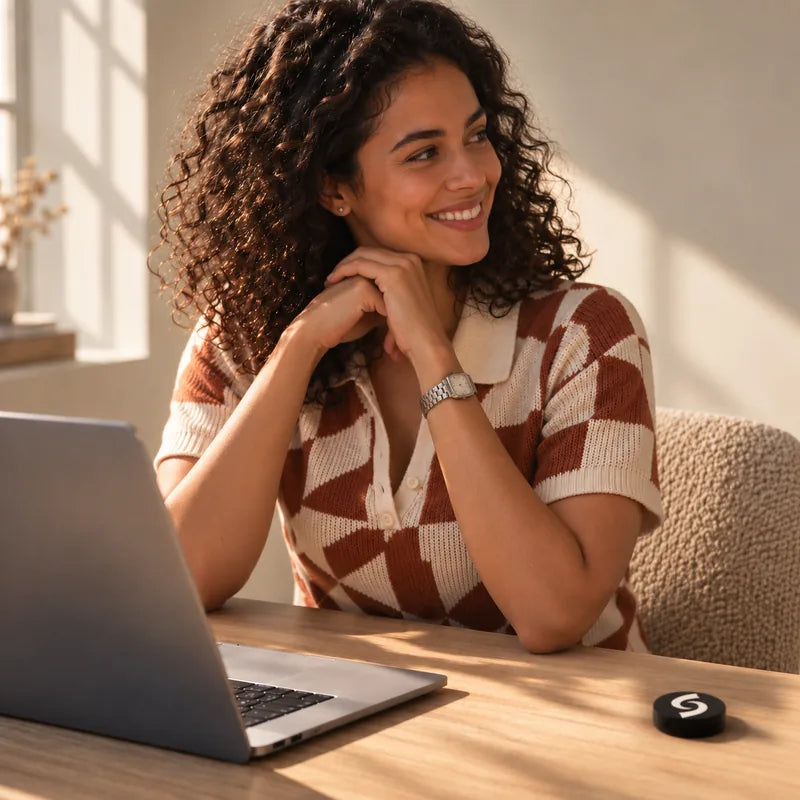
3. Locked. No early exit.
Your phone goes back to being a tool. Walk back and tap again when you actually need it.
30-day screen-time guarantee


The problem isn't you.
Apps are designed to keep you scrolling. You unlock "just for 5 minutes." Forty minutes disappear. Every app-based blocker ends the same way, because the off switch is on the device that's pulling you in.
Apps are designed to keep you scrolling. You unlock "just for 5 minutes." Forty minutes disappear.
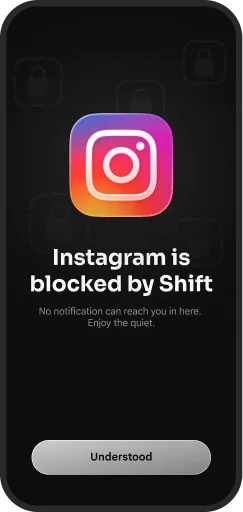
What makes Shift different
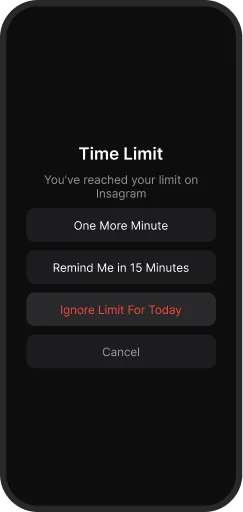
You can't just hit "Ignore Limit." With every other solution, the key that re-enables distractions is already in your hand.

- Screen Time limits ⊗ Easy to ignore.
- Deleting apps ⊗ Easy to reinstall.
- Grayscale mode ⊗ Easy to undo.
Shift lets you leave that key in another room. Getting past it costs you a walk, and by the time you've made the walk you've usually changed your mind.
Get more from every moment
Build the routine you actually want.
The puck is the anchor. The card is the key.
Shift also comes as a card that lives in your wallet. Same app, same lock, different friction.
Everything in the free app
Three months of Shift+ included. Build the screen-time setup that actually sticks.
Emergency unlocks
A limited number per account. Unlock everything with no puck, for the day you actually need to.
Breaks
A five-minute window to look something up without unlocking the whole phone.
Schedules
Lock on at 10pm, off at 7am. Weekdays only if you want.
Website blocking
Safari too, not just apps.
Strict mode
You cannot delete the app or change the mode without the puck.
No charging
Passive NFC. No battery in the puck, ever.
Time-saved tracking
Every locked hour is logged. Today, this week, since you started.
Custom modes
Work, Family, Sleep, Study. Different apps locked for different parts of the day.
Two hours and thirteen minutes.
That is what Shift users get back per day, measured in the app. Here is what it adds up to.
A day
Two hours back, every day.
A week
15 hours a week. Grey is before, white is after.
2h 13m is measured in the Shift app. The daily curve is illustrative.
Why nothing else works

More reasons to love Shift
Try risk-free
Thirty days. If your screen time hasn't dropped by half an hour a day, we refund the Shift. Terms on the Returns page.
Battery-free
Nothing to charge. Always on. Built to last, covered for two years.
Puck and card
Anchor on the desk, key in the wallet. One app, two kinds of friction.
Real people. Real focus.
5.00 out of 5 stars 160 in the resistance.
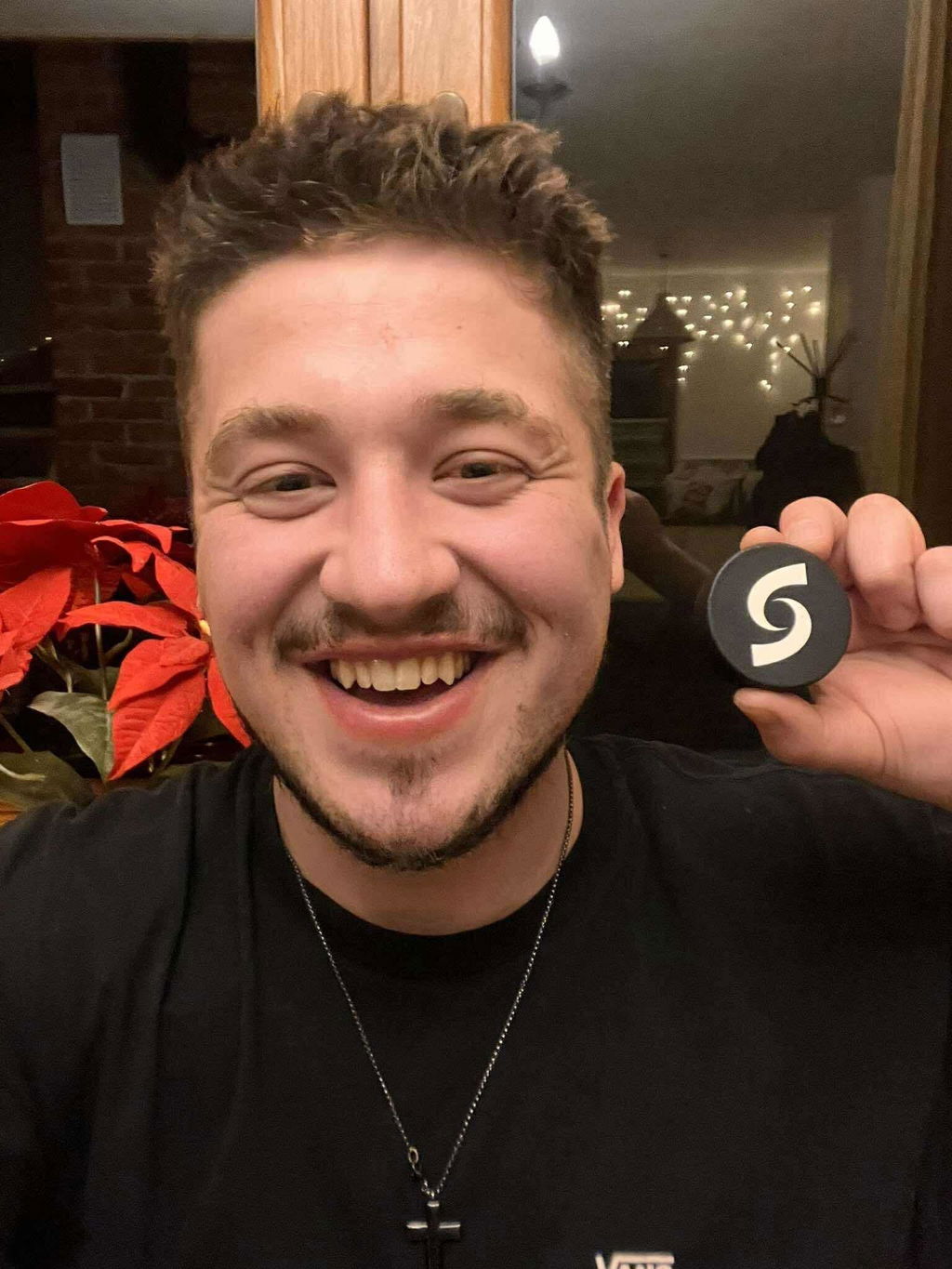
Skeptical a 200 zl device would change anything. Three weeks later I'm reading books again. Worth 10x the price.
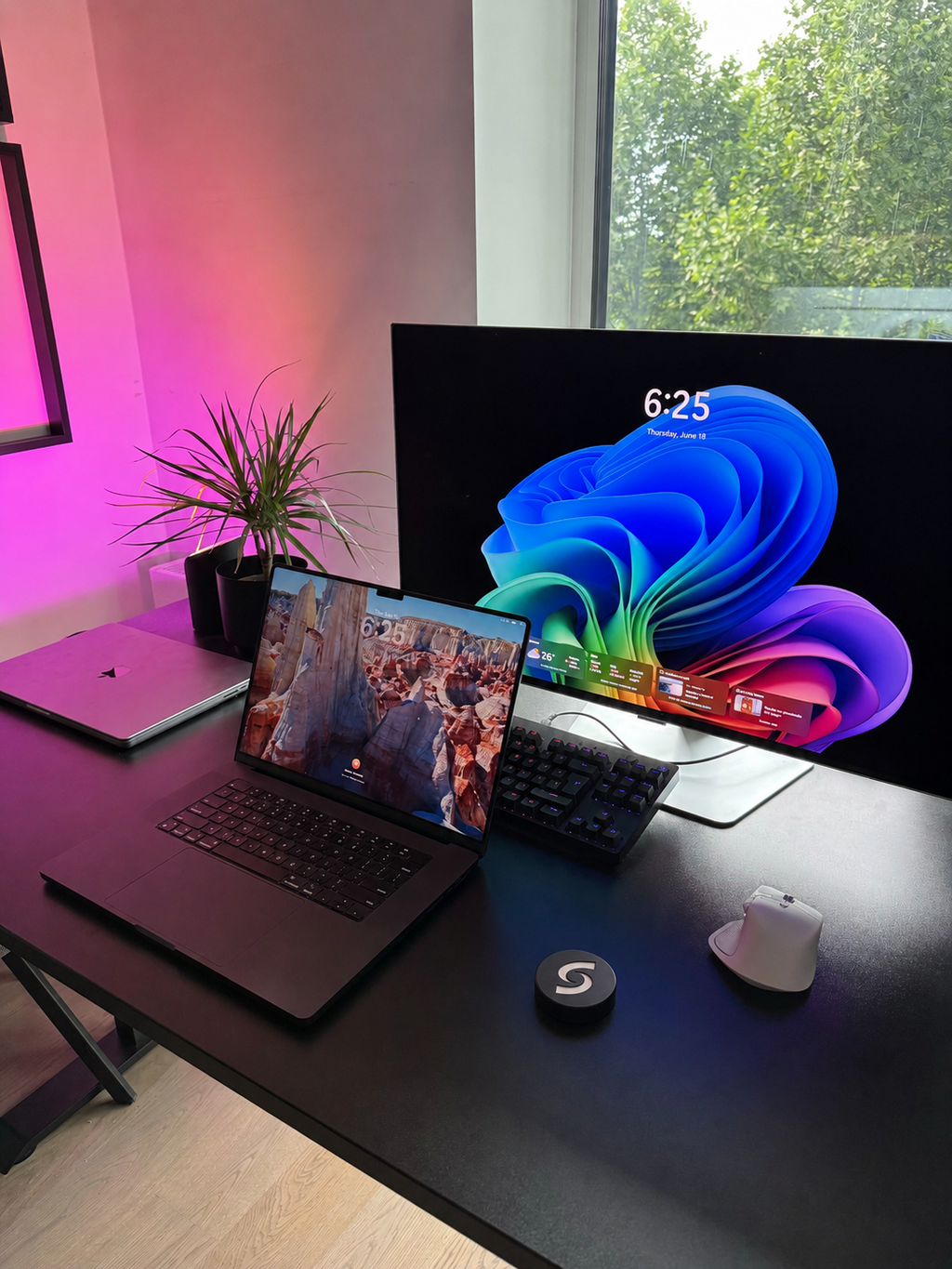
The best tool for a deep focus.
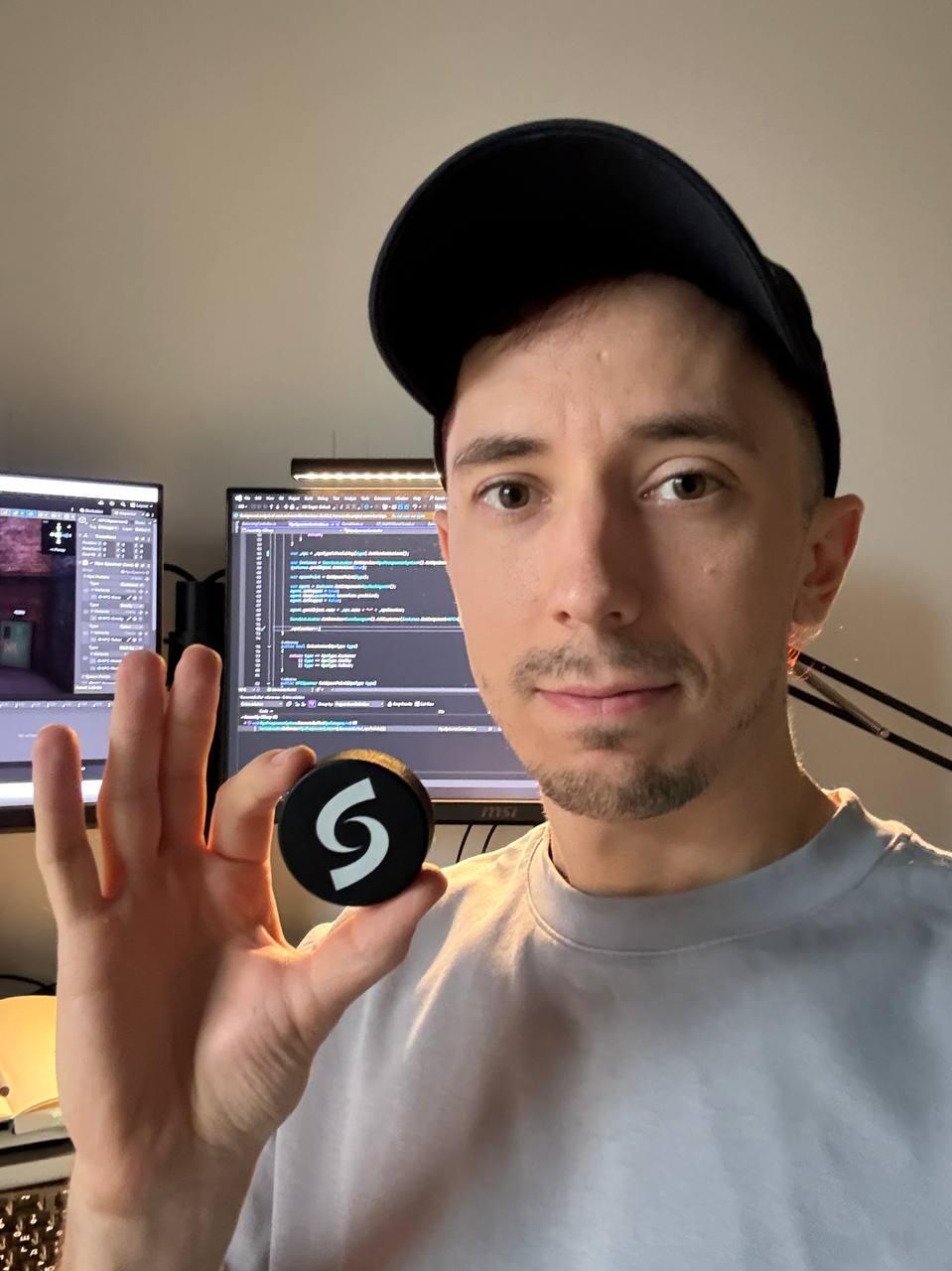
Deep work sessions went from 20 minutes to 2+ hours. I'm shocked at how much time was being stolen from me every day.
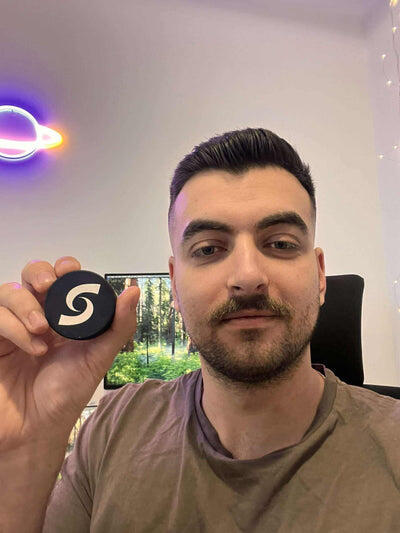
I find it much easier to stay focused at work and have a better daily rhythm. One of the few purchases that actually changed a habit.
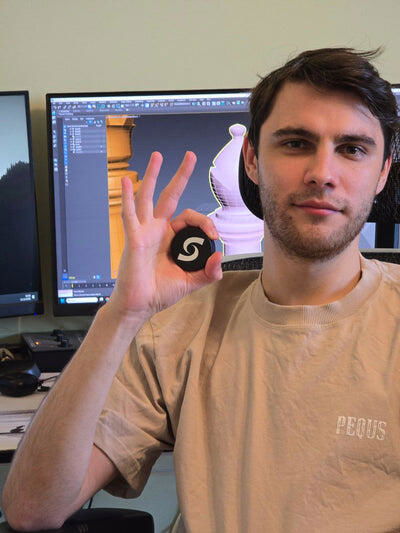
Before this, I checked my phone every 2 minutes. Now I forget where it is. My output at work doubled in the first week.
Frequently asked questions
The product
Why pay for this when Apple Screen Time is free?
Because free hasn't worked for you yet. Screen Time limits are easy to bypass — tap Ignore and you're back in. Shift creates physical separation. Unlocking needs the puck, which means getting up, which means you usually change your mind on the way.
Why use a physical Shift? What's special about it?
The lock lives outside the phone. An app can be deleted and a setting can be changed, but a puck in another room can't be talked out of anything.
Won't I just leave it next to my phone?
Some people do at first. Then they notice they're tapping it off six times an evening and it ends up in the kitchen.
Can't I just delete the app?
Turn on strict mode and you can't delete the app or change the mode during a block.
Ordering & compatibility
What comes in the box?
The Shift device, a magnetic mount, a holo sticker, and three months of Shift+.
Is my phone compatible?
iPhones running iOS 16 or later. Android arrives in 2026.